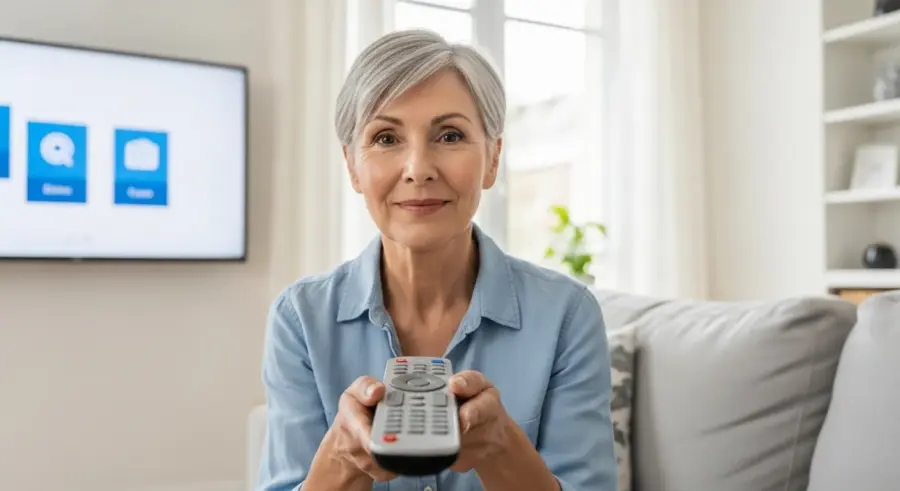
Navigating the world of technology can sometimes feel overwhelming, especially when it comes to something as simple as the TV remote. Many standard remote controls are packed with buttons and features that are not only unnecessary but also confusing for seniors. Fortunately, there’s a solution: senior-friendly remote controls.
These remotes are designed with simplicity and ease of use in mind, making them the perfect tool for seniors who want to enjoy their favorite shows without the frustration of complicated technology. This article will guide you through the benefits of using a senior-friendly remote, key features to look for, top recommendations, and how to troubleshoot common issues.
With the right remote, seniors can regain control of their TV viewing experience and enjoy their leisure time to the fullest. Let’s explore how these simplified devices can make a big difference in everyday life, providing a more enjoyable and stress-free entertainment experience.
Why Use a Senior-Friendly Remote?
Standard TV remotes often come with a plethora of small buttons and complex functions that can be difficult for seniors to manage. These remotes can be overwhelming, leading to frustration and a decreased enjoyment of television. Senior-friendly remote controls address these issues by offering a simplified and more user-friendly experience.
One of the main benefits of these remotes is their ease of use. Designed with larger buttons, simplified layouts, and fewer unnecessary functions, they are much easier to navigate. This reduces the likelihood of accidental button presses and makes it simpler for seniors to find the functions they need.
Another significant advantage is improved visibility. Many senior-friendly remotes feature large, backlit buttons that are easier to see, even in low-light conditions. This is particularly helpful for seniors with vision impairments, allowing them to operate the remote with greater confidence and independence.
Moreover, senior-friendly remotes can enhance the overall TV viewing experience. By eliminating the confusion and frustration associated with standard remotes, seniors can focus on enjoying their favorite shows and movies. This can lead to a more relaxing and enjoyable leisure time, free from technological hassles.
The simplicity of these remotes also promotes independence. Seniors can maintain control over their entertainment without needing assistance from others. This fosters a sense of self-sufficiency and reduces reliance on caregivers or family members for basic TV operations.
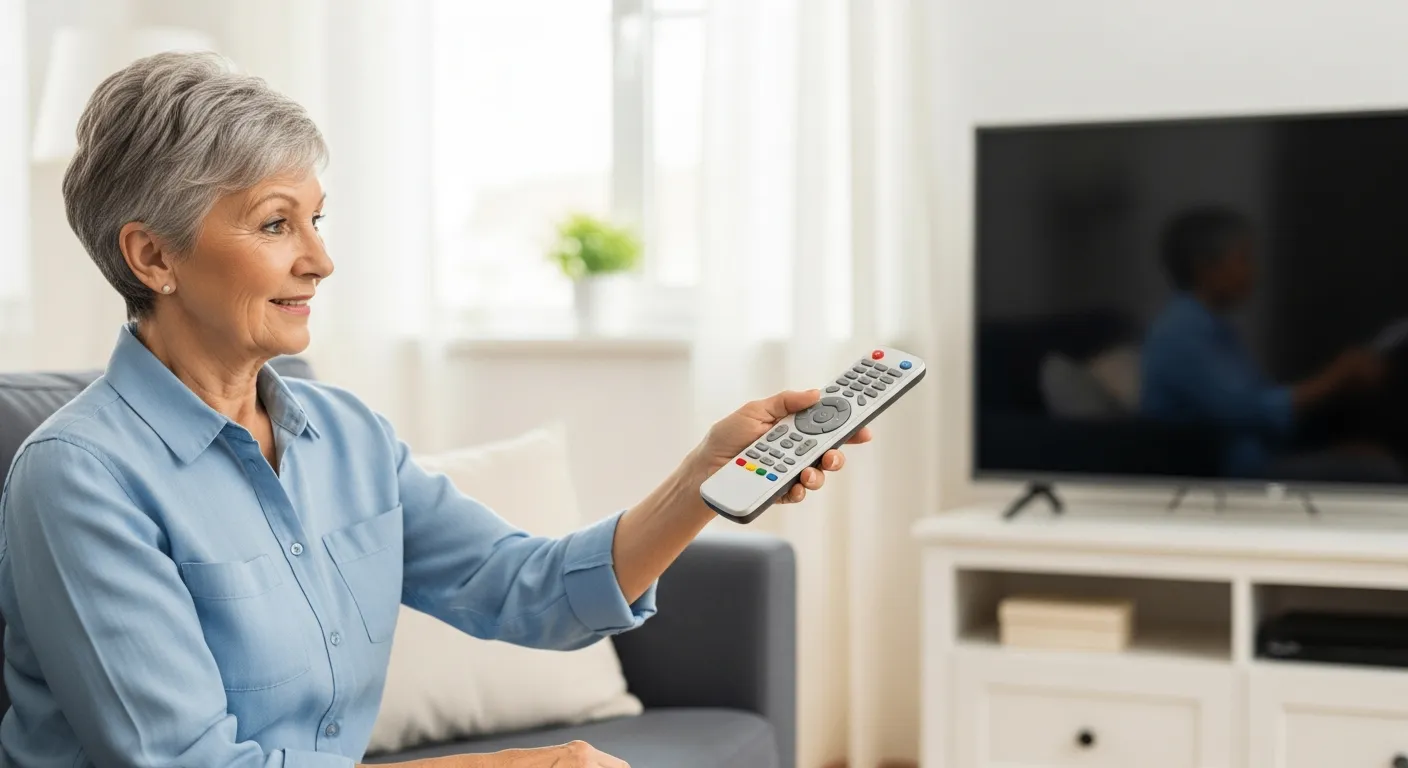
Beyond the practical benefits, senior-friendly remotes can also improve mental well-being. Reducing frustration and increasing ease of use can contribute to a more positive and enjoyable experience. This can help seniors feel more connected and engaged with their favorite programs.
Furthermore, these remotes can be easily customized to individual needs. Some models offer programmable buttons that can be set to specific channels or functions. This allows seniors to create a personalized remote that caters to their unique preferences.
In summary, senior-friendly remotes offer a multitude of benefits, including ease of use, improved visibility, enhanced TV viewing experience, increased independence, and improved mental well-being. These remotes are a valuable tool for seniors seeking to simplify their lives and enjoy their leisure time to the fullest.
Key Features to Look For
When choosing a senior-friendly remote control, several key features can make a significant difference in usability and overall satisfaction. Prioritizing these features will ensure that the remote meets the specific needs and preferences of the user. A Senior-Friendly Remote Controls should be easy to use.
Large buttons are perhaps the most important feature. Look for remotes with oversized buttons that are easy to press and clearly labeled. This reduces the chances of pressing the wrong button and makes it easier for seniors with dexterity issues to operate the remote.
Simplified layouts are also crucial. A remote with fewer buttons and a straightforward design will be less confusing. Opt for models that focus on essential functions like power, volume, channel selection, and mute, while eliminating unnecessary features like menu navigation and input selection.
Backlighting is another beneficial feature. Backlit buttons make it easier to see the remote in dimly lit rooms, which is especially helpful for seniors with vision impairments. This feature ensures that the remote can be used comfortably at any time of day.
Consider the remote’s compatibility with different devices. A universal remote that can control multiple devices, such as the TV, cable box, and DVD player, can simplify the entertainment setup. However, make sure the programming process is straightforward and easy to follow.
Another feature to consider is the remote’s grip and weight. A lightweight remote with an ergonomic design will be easier to hold and operate for seniors with arthritis or other hand problems. Look for remotes with a comfortable grip that won’t slip easily.
The programming process is also a key factor. Choose a remote that is easy to program, either through automatic code search or a simple manual process. Avoid remotes with complicated programming procedures that require technical expertise.
Durability is another important consideration. Look for a remote that is made from high-quality materials and can withstand accidental drops or impacts. A durable remote will last longer and provide better value for money.
Finally, consider the price and warranty. While it’s important to find a remote that fits your budget, don’t sacrifice quality for price. Look for remotes with a good warranty that covers defects and malfunctions.
Top Remote Control Recommendations
Several senior-friendly remote controls on the market stand out for their ease of use, reliability, and helpful features. These recommendations are based on customer reviews, expert opinions, and feature comparisons. A Senior-Friendly Remote Controls should be a Universal Remote.
The Flipper Big Button Universal Remote is a popular choice. It is known for its large, clearly labeled buttons and simple design. This remote can control a variety of devices and is easy to program, making it a great option for seniors who want a straightforward and reliable universal remote.
| Remote Control | Key Features | Pros | Cons |
|---|---|---|---|
| Flipper Big Button Universal Remote | Large buttons, simple design, universal compatibility | Easy to use, reliable, programmable | Limited advanced features |
| Tek Pal Big Button Remote | Extra-large buttons, pre-programmed, voice control | Very simple, no programming required, voice commands | Limited device compatibility |
| Sideclick Universal Remote Attachment | Attaches to existing remotes, programmable buttons | Customizable, integrates with current setup | Requires an existing remote |
| One For All Universal Remote | Simplified layout, learning capability, backlit | Affordable, easy to program, good button size | Some users find the button labels small |
The Tek Pal Big Button Remote is another excellent option. It features extra-large buttons and comes pre-programmed to work with most TVs. This remote also offers voice control, allowing seniors to change channels and adjust volume with simple voice commands, further enhancing its ease of use.
For those who prefer to keep their existing remote, the Sideclick Universal Remote Attachment is a great alternative. This device attaches to the side of your current remote and adds programmable buttons for controlling other devices. It’s a customizable solution that integrates seamlessly with your existing setup.
The One For All Universal Remote is another solid choice. It offers a simplified layout, learning capability, and backlit buttons. While the button labels may be small for some users, it is generally easy to program and use, making it a good affordable option.
When selecting a remote, consider the specific needs and preferences of the user. Some seniors may prefer a pre-programmed remote with voice control, while others may prefer a customizable remote that can control multiple devices. Evaluate the features and benefits of each remote to determine the best fit.
It’s also helpful to read customer reviews and expert opinions before making a purchase. This can provide valuable insights into the real-world performance and reliability of the remote. Look for reviews that address the specific concerns of seniors, such as ease of use, button size, and programming difficulty.
Programming Your Remote Control
Programming a senior-friendly remote control can seem daunting, but many models are designed with a simple setup process. Following the instructions carefully and taking advantage of available resources can make the process much easier. A universal remote can simplify the entertainment setup.
Start by reading the user manual thoroughly. Most remotes come with detailed instructions that outline the programming steps. Pay close attention to any specific codes or settings required for your TV or other devices.
Many remotes offer automatic code search functions. This feature allows the remote to scan through a database of codes to find the one that works with your device. Simply follow the on-screen prompts or button sequences to initiate the code search.
If the automatic code search doesn’t work, you may need to manually enter the code for your device. These codes are usually listed in the user manual or on the manufacturer’s website. Enter the code using the number buttons on the remote and test the functionality to see if it works.
For universal remotes, you’ll typically need to program each device separately. Start with the TV, then move on to the cable box, DVD player, or other devices. Follow the instructions in the user manual for each device.
Some remotes have a learning function that allows them to copy commands from your existing remotes. This can be a convenient way to program the remote if you can’t find the code for your device. Simply point the two remotes at each other and follow the instructions to copy the commands.
If you’re having trouble programming the remote, check the manufacturer’s website for troubleshooting tips and FAQs. Many manufacturers also offer phone or online support to help you with the programming process.
Don’t be afraid to ask for help from a friend or family member if you’re struggling to program the remote. Sometimes a fresh perspective can make the process easier. You can also consult with a professional installer if needed.
Troubleshooting Common Issues
Even with a senior-friendly remote, you may occasionally encounter issues that require troubleshooting. Knowing how to address these common problems can save time and frustration. This article will guide you through the benefits of using a senior-friendly remote.
One common issue is the remote not responding. First, check the batteries to ensure they are properly inserted and have sufficient power. Replace the batteries with new ones if necessary and try again.
- Check the batteries
- Verify line of sight
- Reprogram the remote
- Reset the remote
- Contact customer support
Another problem can be interference with the signal. Make sure there are no obstructions between the remote and the TV or other devices. Point the remote directly at the device and try again.
If the remote is still not working, try reprogramming it. Follow the programming instructions in the user manual to re-enter the code for your device. This can sometimes resolve issues caused by incorrect or lost programming.
Sometimes, the remote may need to be reset. Look for a reset button on the remote, or consult the user manual for instructions on how to reset it. This can often resolve minor software glitches.
If you’ve tried all of these steps and the remote is still not working, contact the manufacturer’s customer support. They may be able to provide additional troubleshooting tips or offer a replacement remote if necessary.
Another common issue is the remote controlling the wrong device. This can happen if the remote is programmed with the wrong code or if there is interference from other devices. Try reprogramming the remote with the correct code for your device.
If the buttons on the remote are sticking or not responding properly, clean the remote with a soft, dry cloth. Avoid using harsh chemicals or abrasive cleaners, as these can damage the buttons.
Maximizing Your TV Experience
Once you have a senior-friendly remote control set up, there are several ways to maximize your TV viewing experience. These tips can help seniors enjoy their favorite shows and movies with greater ease and comfort. Let’s explore how these simplified devices can make a big difference in everyday life.
Customize the remote to your specific needs. If the remote has programmable buttons, assign them to your most frequently used functions. This can streamline the process of changing channels, adjusting volume, and accessing your favorite streaming services.
Create a cheat sheet with common commands. Write down the button sequences for frequently used functions, such as changing the input source or accessing the menu. Keep this cheat sheet near the TV for easy reference.
Consider using voice commands if your remote supports them. Voice control can be a convenient way to operate the TV, especially for seniors with mobility or dexterity issues. Practice using the voice commands to become familiar with the system.
Keep the remote clean and well-maintained. Use a soft, dry cloth to wipe down the remote regularly. This will prevent the buttons from becoming sticky or unresponsive.
Adjust the TV settings for optimal viewing. Increase the font size for subtitles and on-screen menus. Adjust the brightness and contrast to make the picture easier to see.
Consider using assistive listening devices if you have hearing impairments. These devices can amplify the sound from the TV and make it easier to hear dialogue and other audio cues.
Take breaks during long TV viewing sessions. Get up and move around to prevent stiffness and fatigue. This can also help prevent eye strain and headaches.
Explore streaming services for a wider variety of content. Many streaming services offer a vast library of movies, TV shows, and documentaries. This can provide a more diverse and engaging entertainment experience.
Understanding Universal Remote Features
A universal remote offers the convenience of controlling multiple devices with a single unit. Understanding the different features available can help you choose the best option for your needs. A senior-friendly remote controls are designed with simplicity and ease of use in mind.
One key feature is device compatibility. Check to ensure the remote supports the types of devices you want to control, such as TVs, cable boxes, DVD players, and streaming devices. Most universal remotes come with a list of compatible brands and models.
Another important feature is the programming method. Some remotes use code entry, where you manually enter a code for each device. Others offer automatic code search, which scans for the correct code automatically. Some remotes also have a learning function, which allows them to copy commands from your existing remotes.
Consider the button layout and design. Look for a remote with a simple, intuitive layout that is easy to navigate. Large, backlit buttons are especially helpful for seniors with vision or dexterity issues.
Some universal remotes offer advanced features like macro programming. This allows you to program a sequence of commands to be executed with a single button press. For example, you could program a button to turn on the TV, cable box, and sound system simultaneously.
Another feature to consider is the remote’s range. A remote with a longer range will be able to control devices from a greater distance. This can be helpful if you have a large living room or if the devices are located in different areas.
Some universal remotes have a built-in sleep timer. This allows you to set the TV to turn off automatically after a certain period of time. This can be helpful if you tend to fall asleep while watching TV.
Consider the remote’s power source. Some remotes use batteries, while others are rechargeable. Rechargeable remotes can save you money on batteries in the long run, but they require regular charging.
Maintaining Your Remote for Longevity
Proper maintenance can extend the life of your senior-friendly remote control and ensure it continues to function reliably. Simple steps can prevent damage and keep the remote in good working condition. Fortunately, there’s a solution: senior-friendly remote controls.
Regular cleaning is essential. Use a soft, dry cloth to wipe down the remote regularly. Avoid using harsh chemicals or abrasive cleaners, as these can damage the buttons and surface of the remote.
Protect the remote from moisture. Keep the remote away from liquids and humid environments. If the remote gets wet, dry it immediately with a clean cloth and allow it to air dry completely before using it again.
Handle the remote with care. Avoid dropping or throwing the remote, as this can damage the internal components. Store the remote in a safe place when not in use to prevent accidental damage.
Replace the batteries regularly. Use high-quality batteries and replace them as soon as they start to weaken. This will prevent battery leakage, which can damage the remote’s internal circuitry.
If the buttons on the remote become sticky or unresponsive, try cleaning them with a cotton swab dipped in isopropyl alcohol. Gently rub the swab around the buttons to remove any dirt or debris.
Avoid exposing the remote to extreme temperatures. Keep the remote away from direct sunlight, heaters, and other sources of heat. Extreme temperatures can damage the remote’s internal components.
If the remote has a screen, protect it from scratches and damage. Use a screen protector or keep the remote in a case when not in use.
Conclusion
Investing in a senior-friendly remote control can significantly enhance the TV viewing experience for seniors. These remotes offer a simplified and user-friendly alternative to standard remotes, making it easier for seniors to enjoy their favorite shows and movies.
By considering the key features, choosing the right model, and following the programming and troubleshooting tips outlined in this article, you can ensure a more enjoyable and stress-free entertainment experience. With the right Senior-Friendly Remote Controls, seniors can regain control of their TV viewing experience.
Ultimately, the goal is to empower seniors to maintain their independence and enjoy their leisure time to the fullest. A senior-friendly remote control is a small but significant tool that can make a big difference in achieving that goal. It’s about providing a simple, accessible, and enjoyable way to stay connected to the world of entertainment.